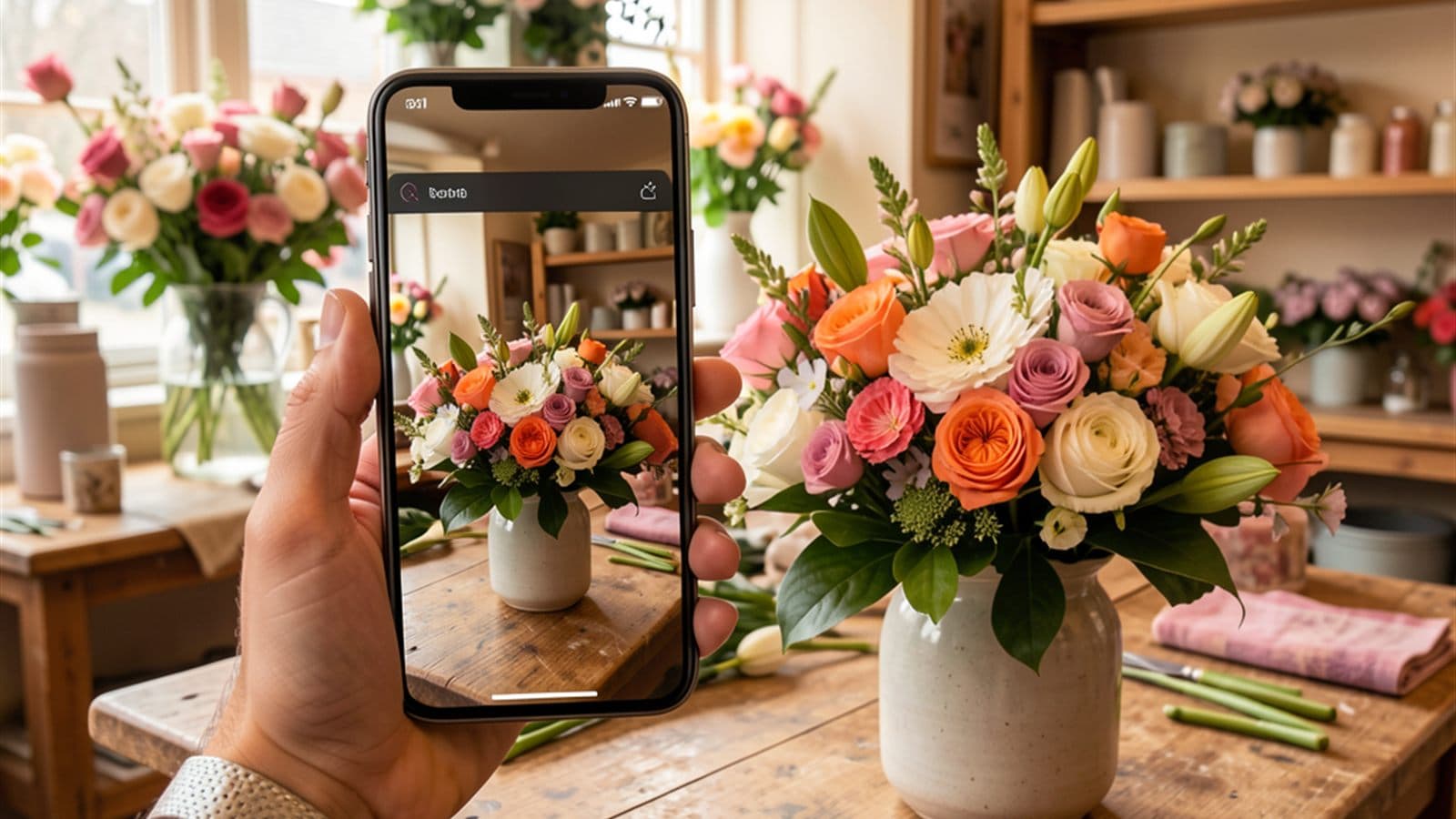
Quick answer up front, since it's the most important one: most social media tools don't generate images because they were never built for creating — only for scheduling and distributing. They tell you when to post and on which channel. What you post is still entirely on you. And that's exactly the bottleneck where most small businesses get stuck.
What most tools can actually do — and what they can't
Look at the popular social media tools out there and they all sound similar: schedule posts, queue them up in advance, distribute across multiple channels at once, show a preview. That's useful. But it only solves the second half of your problem.
Because at its core, a scheduling tool is a calendar with a send button. It handles the logistics — not the content. You feed it finished captions and finished images, and it pushes them out at the right time. All the heavy lifting before that is still on you.
- Scheduling — almost all of them can do this: dates, calendars, automatic posting.
- Writing captions — some can do this: a few tools suggest captions.
- Creating images — almost none can do this: the help stops here for nearly everyone.
That's the key point. A tool that only schedules helps you exactly when your post is already finished. Getting to that point — that's the real mountain to climb.
The real bottleneck isn't 'posting' — it's 'creating'
Ask yourself honestly: what actually derails your social media? It's rarely that you can't find the 'publish' button. It's that you're sitting there at 9pm after closing up, staring at a blank field, with no idea what to show — and no good image on hand.
That's exactly where it gets decided whether you post regularly or let it slide. Creating is the hurdle, not distributing. If you want to stay visible long-term, you don't need a better publishing schedule — you need less friction filling that blank field. For more on what a realistic rhythm looks like, read How Often Should You Post? A Realistic Rhythm for Local Businesses.
A scheduling tool tells you when to post. It just never tells you what — and it definitely doesn't hand it to you.
Why image generation specifically is the bottleneck
Text is one half, but on social media, the image wins your attention first. Nobody reads your caption if the visual is boring as they scroll past. And that good visual is the hardest part for small businesses to nail.
So why do so many providers just skip image generation? Because it's tricky. A caption can be tweaked quickly if it's off. But an image has to be right from the start: it needs to match your business's mood, look realistic, and not look like some generic, over-polished stock shot. Getting that technically clean and on-brand takes a lot more effort than setting up a calendar entry.
So many take the easy way out: they leave the image to you. You're expected to photograph it yourself, put it together in a design program, or pull it from a stock photo library. Three routes that all cost time, skill, or money — and as the owner of a bed-and-breakfast or a hair salon, you simply don't have a spare hour.
- Photographing it yourself: takes time, good light, and an eye for the shot.
- Designing it yourself: takes a design program and practice.
- Stock photos: look generic and never like your actual business.
What changes when a tool generates images for your brand
Picture the difference: instead of a blank field, you get an idea, a matching caption, the hashtags — and an image that looks like it belongs to your business. Not a generic stock photo, but a visual that captures your brand's style and mood.
That's the leap from 'a tool that manages' to 'a tool that pitches in.' Only once a tool covers the whole path — from a blank idea to a finished, ready-to-publish post — does the real hurdle disappear. You approve it or tweak it; the tool has already done the hard part of getting started.
That's exactly what elSobo is built for. It delivers the idea, writes the caption and hashtags, generates an image matched to your brand, and publishes with one click across up to twelve channels — from Instagram and TikTok to YouTube Shorts and your Google Business Profile. Comments, messages, and reviews all land in a single inbox, so nothing gets left behind after you post. Because the work often only starts after the post.
What to look for in a tool
You don't need to be a marketing pro to make the right choice. It's enough to ask one honest question: does this tool take creating off my plate — or just distributing?
- Does it suggest concrete ideas, or are you still staring at a blank field?
- Does it write captions and hashtags, or do you have to type those yourself?
- Does it create images that fit your business — or does it leave you on your own?
- Does it publish everywhere with one click and bundle the reactions?
If you're honest with yourself about these questions, you'll quickly notice: a pure scheduling tool answers, at best, the last one. If you want to know what a simple start without an agency actually looks like, read Social Media for Small Businesses. And if ideas are what you're really missing, 30 Occasions for the Whole Year is a great place to start.
The bottom line for your business
Most social media tools are logistics providers. They're good at distributing finished content — but they leave you alone with the hardest part: creating, and especially the image. As long as a tool only schedules, the bottleneck stays exactly where it hurts you most.
You don't need a better calendar. You need a tool that goes the whole way — from idea to caption to a finished, on-brand image. Then 'I really should post something' finally becomes 'already done.' And you can pull that off without any experience and without an agency — just start right in the app.