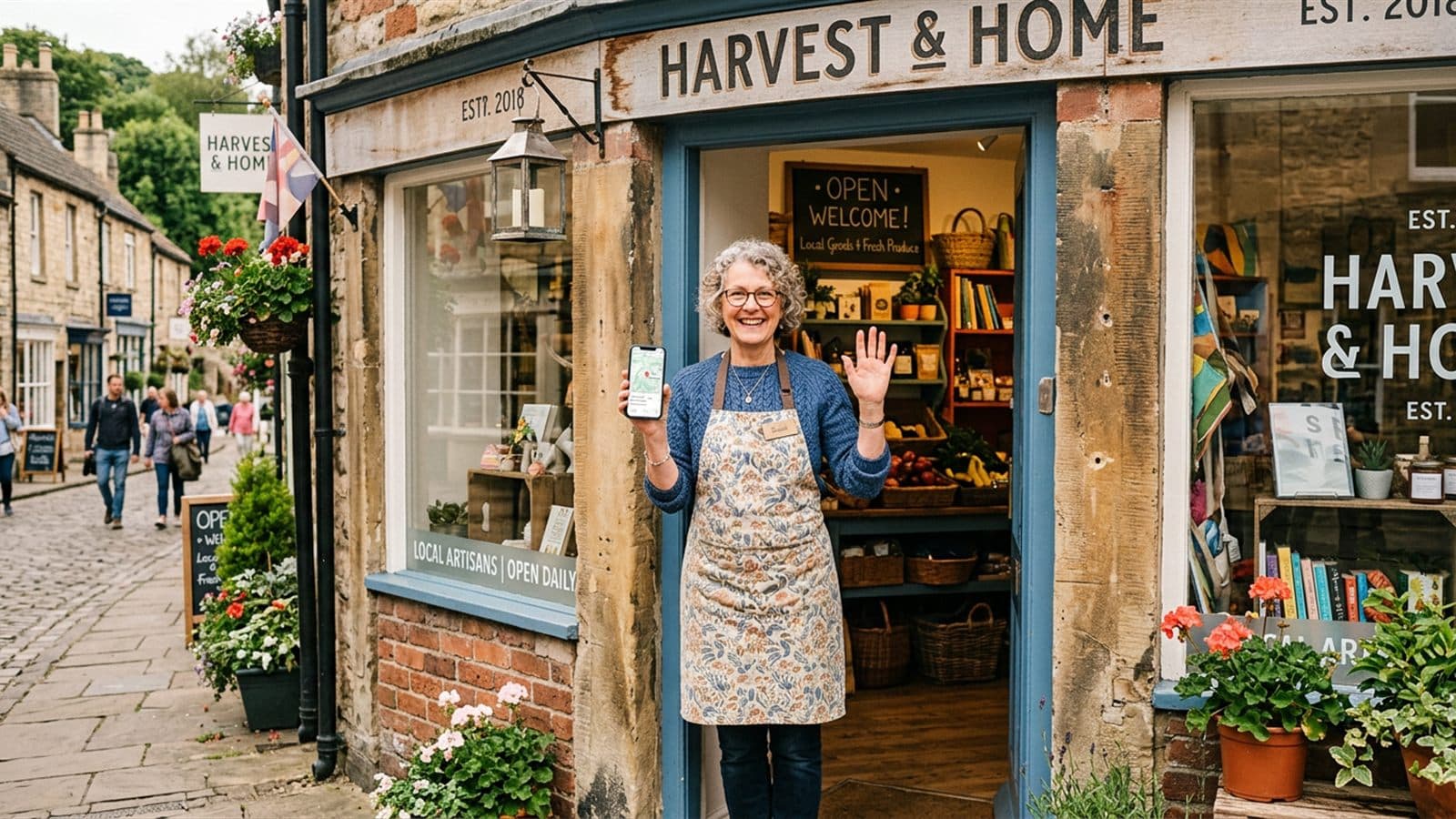
Short and honest, right up front: if you run a local business, your Google Business Profile is probably the most important channel you have — more important than Instagram, more important than your own website. Because this is where people land when they're searching for something right now: a cafe nearby, a haircut appointment, a plumber for the bathroom. And yet for most businesses, this profile just sits there half-empty, with outdated hours and three random photos. That's a shame, because when it's maintained properly, it brings in customers while you're busy working.
What a Google Business Profile actually is
Your Google Business Profile is your free listing that shows up in Google Search and Google Maps whenever someone looks for your business, or for a service near them. It shows your name, address, hours, photos, reviews, a call button and a directions button — and, more recently, your posts: small updates right inside the profile.
The key difference from every other channel: on Instagram or TikTok, you're interrupting people who were doing something else entirely. On your Google profile, you're meeting people who are already searching. The buying intent basically comes built in. You don't have to convince anyone they need a haircut — they're already looking for one.
On social media, you interrupt people. On Google, you're found by people who are already looking for you.
The basics: keep your profile complete and current
Before we get to the extras, let's cover the basics — and doing just this already puts you ahead of a lot of competitors. Take some time to go through your profile and fill in everything you can:
- Name, address, and phone number exactly as they appear everywhere else (your website, directory listings, social media). Google likes consistency.
- Hours kept up to date — including holidays and special hours. Nothing annoys customers more than a locked door despite Google saying "open."
- Category picked as precisely as possible (e.g. "Italian restaurant" instead of just "restaurant"). This helps determine which searches you show up in.
- Services, products, and attributes filled in — things like "wheelchair accessible," "outdoor seating," "free wifi," or "accepts cards."
- A short description that sums up in two or three sentences who you are and what makes you different.
None of this is rocket science, but it costs an hour that pays for itself many times over. If you're still unsure which channels are actually worth your time, our overview Instagram, TikTok, Google & More — Which Channels Are Right for YOU? can help you sort that out.
Photos: the underrated proof of trust
People want to see where they're going before they go there. Profiles with real, inviting photos immediately feel more trustworthy than bare listings with nothing but a logo. Show the inside and outside of your shop, your team, your products, a set table, the finished work.
Important: no stock photos — your actual business. A genuine phone photo in good light beats a polished image that has nothing to do with reality. Swap your photos out now and then and add seasonal shots — that tells Google, and the people searching, that someone here is active.
Reviews: your biggest asset
For local businesses, reviews are what word of mouth has always been — just public and visible to everyone. They influence whether someone clicks on you, and they genuinely matter for your position in local search. Two things count:
- Collect reviews. Ask for them actively, ideally right after a good moment. A sign by the register, a quick word as customers leave, a link on the receipt. Buying reviews or trading them for discounts is off-limits — it gets found out and can hurt you.
- Reply to reviews. All of them. A warm thank-you for praise; calm, factual, solution-focused for criticism. Other readers are watching most closely how you handle criticism.
Replying is exactly the piece most people let slide, because there's never enough time in the day. Yet it's one of the most effective habits there is. More on this in Google Reviews: When's the Last Time You Replied? and, a bit more broadly, in Response Speed: What Your Reaction Time Says About How Much You Value People.
Google posts: keeping your profile alive
Plenty of people don't even know you can post on your Google profile — much like on social media. These posts show up directly in your listing and are perfect for: current promotions, new products, changed hours, events, a photo of today's lunch special. A lively profile with fresh posts feels open, active, and inviting — a dead profile makes it look like the place might not even be open anymore.
You don't need a content calendar for this. One or two short posts a week is enough. And best of all: whatever you're already creating for Instagram or Facebook usually fits your Google profile too. If you're running out of ideas, check out No Idea What to Post? 30 Occasions for the Whole Year — most of these work just as well on Google.
How you win in local search
Google ranks local search results based on three things: relevance (does your profile match the search?), distance (how close are you?), and prominence (how established and active does your business look?). You can't do anything about distance — but you can absolutely affect the other two. And that's exactly what a well-maintained profile delivers:
- Complete, accurate information → more relevance.
- Real, current photos and regular posts → looks active and trustworthy.
- Lots of good reviews you've replied to → more prominence and more clicks.
The nice part: all of this is just steady effort, not magic. You don't need a marketing team or a budget — just a bit of consistency. If you want to think about this alongside the rest of your social media, it's worth a look at Social Media for Small Businesses — the Simple Way to Get Started Without an Agency.
Make it easy on yourself — everything in one place
The truth is: nobody running their own business wants to spend their evening clicking through five different apps — uploading a photo here, replying to a review there, typing out a post somewhere else. That's exactly why elSobo exists: you create your content once, with help writing the copy and finding the right images, and publish it with one click across up to twelve channels — your Google Business Profile included.
And because comments, messages, and even your Google reviews all flow into one shared inbox, you reply from a single place instead of chasing things down everywhere. That way your profile stays well-tended without eating up your whole evening. No experience needed, cancel anytime — you can just give it a try.
Start with the basics today: check your hours, upload three good photos, reply to your latest reviews. That's all it takes to get going — and you'll be surprised how much a well-tended Google profile works for you on its own.